
What AI can do in Excel, and where the limit is
AI is genuinely useful in Excel. The risk is not that it is bad at it, but that two of its failure modes never show up in the answer.
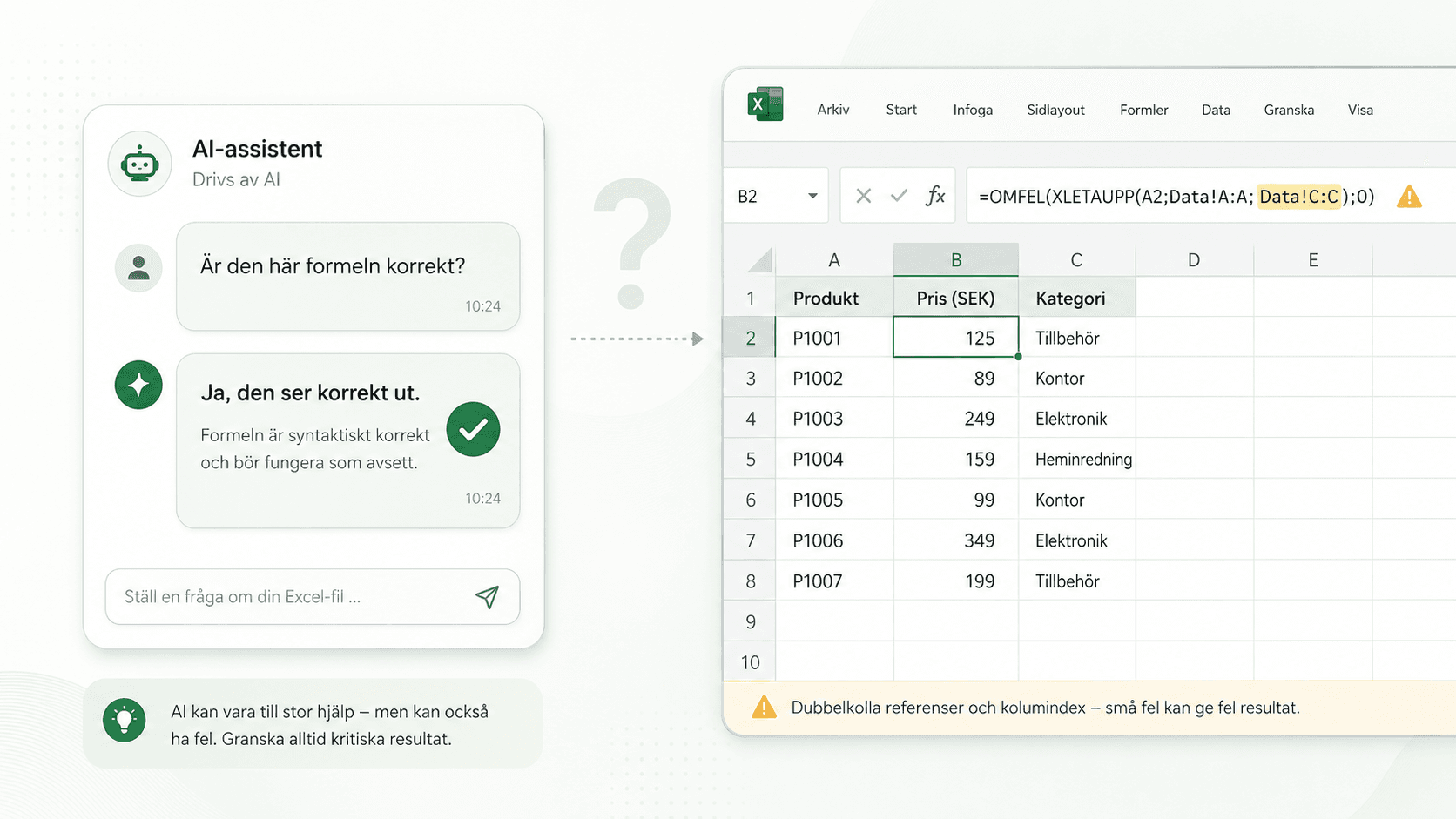
What it is good at
It writes a formula from a description faster than you can look up the syntax. It explains a formula you inherited without getting impatient. It suggests an approach when you have no idea where to start.
Sam Altman, CEO of OpenAI, said on his own company's podcast in 2025 that he finds it striking how much people trust ChatGPT, given that models hallucinate. It ought to be the technology you trust least, he suggested. An unusual thing to say about a product you sell.
So the risk is not that AI is bad at Excel. It lies in two failure modes that never show up in the answer.
It wants to agree with you
Ask whether a formula is correct and you will get a yes far more often than if you ask what is wrong with it. Same formula, same model, different answer, because the question carried the answer you were hoping for.
The same thing happens when you push back. Tell it that a correct answer feels wrong and it will often fold and rewrite it into something worse, not because it changed its mind but because agreeing comes more readily than holding a position.
In practice that makes leading questions expensive. "Shouldn't this be a SUMIF?" gets you a different answer than "what does this formula do?"
It does not know when it is finished
Ask it to work through forty formulas and you may be told that all forty have been reviewed. A completion report is generated text that looks like a completion report, not the result of anything having been counted.
Here is an example from one of our own files. We asked Copilot to search through a workbook and point out every risk it could find. The answer was ten risks, laid out cell by cell and with considerable confidence. What the list did not contain was a hardcoded entry of SEK 1.8 million, typed straight into a cell.
It had found other hardcoded values, which it called embedded constants. Just not the largest one. The explanation is not that it misunderstood the question. It can answer without having covered everything, and it does not tell you which part of the file the answer rests on.
That is what makes this failure mode hard to catch. You can check what it found, one risk at a time. You cannot check what it did not mention, because nothing was said about it. An answer without caveats looks the same whether it covered the whole file or a tenth of it.
There are ways around it. Narrow the question, take one sheet at a time, and read any list as examples rather than as a verdict. The uncomfortable part is not that the model misses something. The uncomfortable part is saying the reporting file looks fine, and then finding the plug.
Why this costs more in Excel than elsewhere
In code, most mistakes announce themselves. Something will not run, a test goes red, a compiler complains.
In Excel, an incorrect formula returns a number. It looks exactly like a correct number, it feeds into a total further down, and the total ends up in a report. Nothing in the file objects. That is why a mistake that is merely annoying in a script can become expensive in a budget model.
What closes the gap
What is missing is not a better model. What is missing is an answer that is not generated.
Calkin reads the workbook from inside Excel and reports what is actually in it. Which sheets connect to which, which ones are not linked to anything, where in the file the various parts sit, and how many errors and risks it found. The report comes from the file and covers the whole workbook, not the part that happened to fit into a question.
That makes AI more useful, not less. Use it to write, explain and suggest, then read the file to see what actually happened.