
Calkin Excel Model Health Check
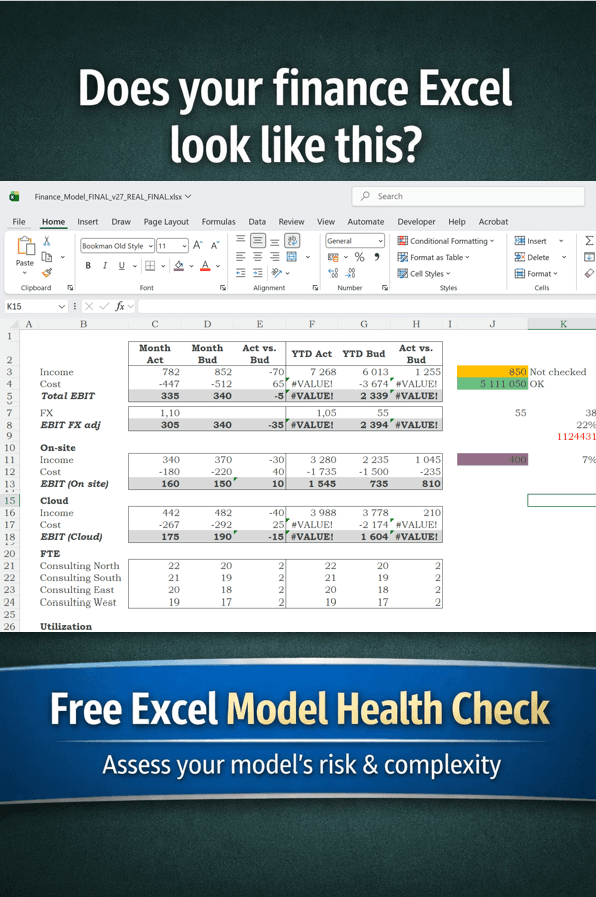
Built from 100+ Excel Model Reviews: How Healthy Is Your Model?
Over the past few years at Calkin, we’ve worked closely with finance teams across industries, reviewing hundreds of Excel models together with our customers.
Despite differences in company size, sector, or use case, the same patterns appear again and again.
The Hidden Patterns in Financial Models
Many Excel models start simple and evolve over time. New assumptions are added, logic is extended, and quick fixes become permanent solutions.
What we often find is:
- Dozens of interconnected sheets
- Fragile and hard-to-trace formulas
- Manual updates and “plug” adjustments
- Hidden risks embedded deep in the model
- Little to no documentation
Individually, these issues may seem manageable. Together, they can significantly reduce the reliability of a model.
The Real Risk: It Works… Until It Doesn’t
One of the biggest challenges with Excel models is that problems often remain invisible until something breaks.
This can happen when:
- A key team member leaves
- A new scenario needs to be modeled quickly
- An unexpected output raises questions
- Or worse, decisions are made based on incorrect data
At that point, fixing the model is no longer just a technical issue—it becomes a business risk.
Turning Experience into a Practical Tool
Through our Excel consultations, we developed a structured way to assess model quality and risk.
We’ve now turned that diagnostic framework into a simple, self-service tool:
The Calkin Excel Model Health Check
In just a couple of minutes, you can evaluate your Excel model across four key areas:
➡️ Structure
Is your model organized, consistent, and easy to navigate?
➡️ Formula Complexity
Are formulas transparent and maintainable, or overly complex and fragile?
➡️ Data Flow
Does data move clearly through the model, or are there hidden dependencies?
➡️ Governance
Is there documentation, ownership, and control over changes?
From Insight to Action
The goal isn’t just to identify issues, it’s to provide clear, actionable steps to improve your model.
A healthier Excel model means:
✅ Greater confidence in outputs
✅ Faster updates and scenario analysis
✅ Reduced dependency on individuals
✅ Lower operational risk
Start with a Quick Check
If you’re unsure about the health of your Excel model, this is a simple place to start.
The Calkin Excel Model Health Check is designed to give you clarity in minutes and help you take the first step toward a more robust and reliable model.